KVK API Errors and Retries: What to Retry and What Not
A 429 is not a 404 and a 502 is not a 400. Learn which KVK API errors to retry, which to show to users, and how to build backoff that never burns tokens.
Your checkout works in testing. Then, on a busy Monday morning, a handful of customers see “Something went wrong” while entering their KVK number. The logs show a mix of 404s, one 429 and a few 502s, and your code treated all of them the same way: it retried three times and gave up. Some of those retries were pointless, some were harmful, and one error should never have reached the customer at all.
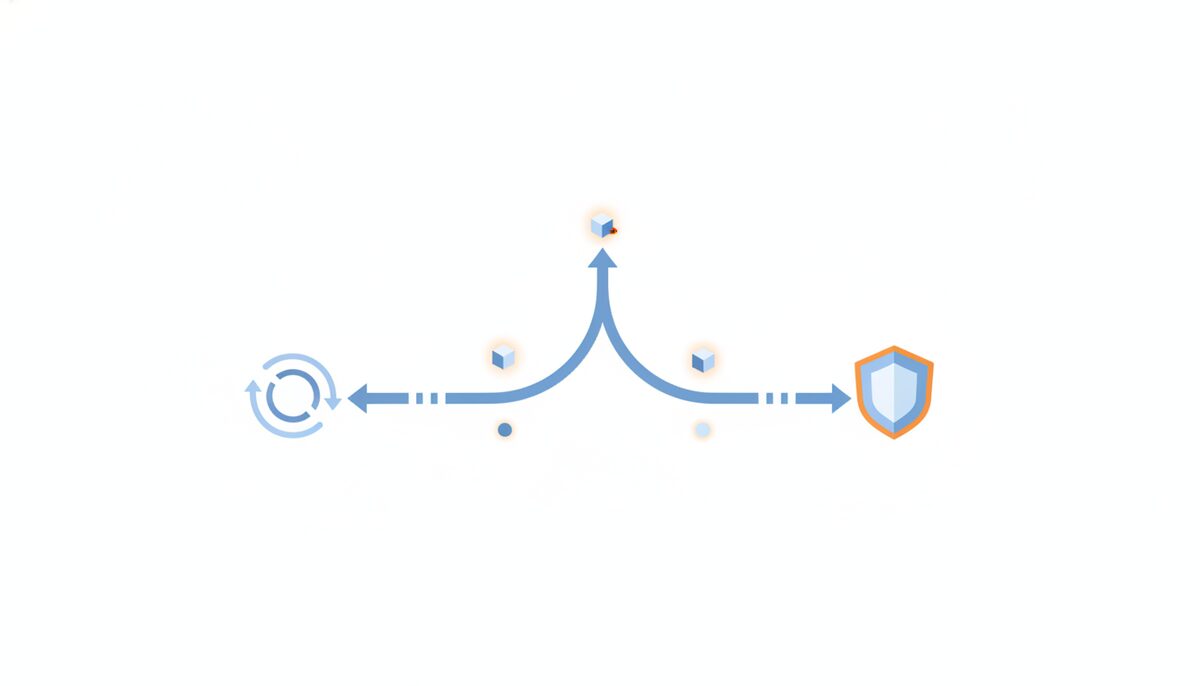
Good error handling for company lookups comes down to one question per error: will trying again change the outcome? In this article we go through the errors the KVKBase API returns, sort them into “retry”, “fix” and “tell the user”, and show a small piece of code that does this consistently.
The three kinds of errors
Every error response from the API has the same shape: an HTTP status plus a body with a machine-readable code and a human-readable message. The full list lives in the error code reference, but in practice you can sort them into three groups.
The first group is errors that are about your input: INVALID_KVK_NUMBER, INVALID_VAT_NUMBER, INVALID_QUERY and INVALID_REQUEST, all status 400. Retrying these is useless, because the same request will fail the same way every time. The right reaction is to fix the input or tell the user what is wrong. A KVK number that is not 8 digits is the classic example: validate it before you call the API, using the checksum and format rules, and most of these errors never happen.
The second group is “the answer is no”: NOT_FOUND with status 404. This is a valid answer, not a failure. The company does not exist, was never registered or you have a typo that happens to be 8 digits. Do not retry it. Show a friendly “we could not find this company, check the number” message, and let the user correct it.
The third group is temporary trouble: RATE_LIMIT_EXCEEDED (429), UPSTREAM_ERROR (502), UPSTREAM_BUDGET (503) and the rare INTERNAL_ERROR (500). These are the ones where waiting and trying again can work.
Rate limits: respect Retry-After
A 429 with RATE_LIMIT_EXCEEDED means you sent too many requests in the current minute for your plan. The response carries a Retry-After header with the number of seconds until the window resets. Use it. A fixed one-second sleep is wrong in both directions: too short when the window has 40 seconds to go, and wasteful when it has one.
Successful responses also carry X-RateLimit-Limit and X-RateLimit-Remaining. If you run bulk jobs, read the remaining count and slow down before you hit zero, instead of crashing into the limit and recovering. For large imports, the batch endpoint is a better fit than a thousand single calls.
There is a second 429 that looks the same but is not: QUOTA_EXCEEDED. That means the monthly token allowance is used up, and waiting a minute will not help. Always look at the code, not only at the status. Treat QUOTA_EXCEEDED as an alert for your team (upgrade or pause the job), never as something to retry in a loop. If tokens are a worry, our guide on reducing KVK API costs shows how to pick the cheapest call per job.
Upstream errors: retry with backoff and jitter
A 502 UPSTREAM_ERROR means a service behind us, such as the KVK register or VIES for VAT checks, is not answering. That is usually short-lived. Retry after a short delay, double the delay every attempt, and add a bit of randomness so that a hundred of your workers do not all return at the same second.
A 503 UPSTREAM_BUDGET is used for Belgian data when the daily data allowance is used up and the record is not stored yet. It comes with a Retry-After header, and it can be many minutes. Here, a quick retry loop makes no sense: respect the header, or queue the lookup for later and carry on with the rest of your job.
Two limits keep a retry strategy honest. Cap the number of attempts (three to five is plenty for a user-facing request) and cap the total time. A customer will not wait 30 seconds for a company name to appear in a form. For interactive flows, fail fast and offer a fallback: let the user type the company details by hand and verify them in the background afterwards.
A small retry wrapper
Here is a compact TypeScript helper that follows these rules. It retries only 429 with the rate-limit code, 502, 503 and 500, honours Retry-After, and returns everything else immediately.
const RETRYABLE = new Set(["RATE_LIMIT_EXCEEDED", "UPSTREAM_ERROR", "UPSTREAM_BUDGET", "INTERNAL_ERROR"]);

export async function kvkFetch(path: string, maxAttempts = 4) {
  for (let attempt = 1; ; attempt++) {
    const res = await fetch(`https://api.kvkbase.nl${path}`, {
      headers: { Authorization: `Bearer ${process.env.KVKBASE_API_KEY}` },
    });
    if (res.ok) return res.json();

    const { error } = await res.json();
    const retryable = RETRYABLE.has(error.code);
    if (!retryable || attempt >= maxAttempts) {
      throw Object.assign(new Error(error.message), { code: error.code, status: res.status });
    }

    const header = Number(res.headers.get("Retry-After"));
    const backoff = 2 ** attempt * 250 + Math.random() * 250;
    const waitMs = header > 0 ? Math.min(header, 30) * 1000 : backoff;
    await new Promise((r) => setTimeout(r, waitMs));
  }
}
Callers then switch on error.code: show a message for NOT_FOUND, a form error for the 400 codes, and an internal alert for UNAUTHORIZED and QUOTA_EXCEEDED. Note the cap of 30 seconds on Retry-After: if the header asks for more, give up for now and queue the job instead of blocking a request.
Make failures visible
Retries hide problems if you never look at them. Log the error code, the attempt number and the request ID from the response headers, and count how often each code occurs. A sudden rise in 429s means you need a throttle or a bigger plan, a rise in 502s is worth a look at the health endpoint, and a single UNAUTHORIZED in production usually means a rotated key.
Also separate your keys: use a kvk_test_ key in development and a kvk_live_ key in production, so test traffic never eats into your real allowance.
Try it with your own integration
Pick the three most common errors in your logs today and check that each one takes the right branch: retry, fix or tell the user. If you do not have a KVKBase API key yet, you can create an account at kvkbase.nl and test these cases with real responses in a few minutes.